Assistant packs

Put your Executive Assistant to work.

Every pack takes another chunk of your week off your plate.

Pick the work you want back. Our team builds it into Ozzie with you, around the way you already run your business.

Ozzie will launch with a seven-day free trial

Ozzie bouncing happily
Your Executive Assistant.
Choose your packs

Where do you need support first?

Every client. Every deadline. Every detail. Choose support for your admin, sales or marketing, or bring them together with your Executive Assistant. Tap a pack to see it work and everything that comes inside it.

Administrative Assistant

Accepted offers checked and filed, every date on your calendar, paperwork uploaded to your brokerage portal, plus your CMAs and weekly seller updates.

See it work

Inside Sales Associate

New leads answered fast, past clients kept warm and your CRM kept up. Follow up drafted in your voice, sent on your yes.

See it work

Marketing Manager

Listing launches, landing pages, carousels, reels and video editing, made and posted without you building them from scratch.

See it work
The bundle

Executive Assistant

Bring your admin, sales follow up and marketing together in one build, with one Executive Assistant keeping it all moving. The biggest chunk of your week back, for less than buying the packs one at a time.

Book my time audit
Current founding prices

Put your new team to work.

Administrative Assistant

$7,500 future price

$2,500

One-time purchase

Includes 30 days of Elevation Pro from kickoff.

Inside Sales Associate

$6,000 future price

$2,000

One-time purchase

Includes 30 days of Elevation Pro from kickoff.

Marketing Manager

$4,500 future price

$1,500

One-time purchase

Includes 30 days of Elevation Pro from kickoff.

Full Executive Assistant

$6,000 separately

$5,000

Purchase together · Save $1,000

The Full Build includes all three packs, personal setup and 90 days of Elevation Pro from kickoff.

Prices are in Canadian dollars, plus applicable taxes. Ozzie will launch with a seven-day free trial. Explore the packs or book your time audit below.

While Pro is active

Only the packs you have purchased stay current, including new skills. Pro includes build calls and help with your own independent standalone skills.

What every buyer keeps

Permanent use of your purchased release, plus technical support and reset of its shipped skills. After Pro ends, new skills, build calls and help with your own skills require active Pro.

Purchased packs are licensed for use. Source and copies are not provided; customization is through the available settings. You can create your own independent standalone skills.

Administrative Assistant

The offer's signed. Ozzie handles the rest.

A fully signed contract hits your inbox and the whole accepted offer workflow runs on its own. You're at a showing. Your file is already done.

Ozzie organizing a calendar board with navy-blue and orange squares
Ozzie at work
Tap to watch full screen
The Accepted Offer skillRuns the moment it's signed
By hand1.5 to 2 hrs
With Ozzie4:30

About 4 minutes 30 seconds per deal. Review the receipt and answer anything Ozzie couldn't find.

You give it

Nothing. It finds the signed contract in your inbox. Or forward it, either works.

It does
  • Checks every signature
  • Moves the deal card
  • Fills in dates and terms
  • Adds every deadline to your calendar
  • Sends the Accepted Offer checklist email
  • Creates your portal file
  • Uploads each document
  • Saves to Drive
Your portal

Works with your brokerage's conveyancing portal. We use SkySlope. Ozzie never presses the final Submit.

Safety

Missing one initial? It holds the file and shows you the exact page instead of filing it.

From agreed price to ready for photos. Without you.

Tap to watch full screen
The Listing Intake skillRuns when you message Ozzie the price
You give it

One message. Tell Ozzie the price you and your sellers agreed on, and the card moves to Listing Intake on its own.

You do

Approve the paperwork before it goes out for signatures. Press Publish on the MLS when the photos are in. That is it.

It does
  • Drafts the listing contract and disclosures
  • Sends them for signatures
  • Checks every signature when they come back
  • Files the signed copies in your Drive
  • Pulls the title, taxes, zoning and past listing
  • Creates your brokerage file and uploads everything
  • Fills in your MLS listing and saves it as a draft
Your portal and MLS

Works with your brokerage portal and your board's listing system. We use SkySlope and Matrix. Ozzie never presses the final Submit or Publish.

Then

The only thing left is your photographer's photos. When they land, marketing takes over.

Your sellers get this. Every week.

The Seller Update skillRuns every Sunday
By hand1 to 2 hrs
With Ozzie5 min

Per listing, every week. Your 5 minutes is reading it and hitting send.

You give it

Nothing new. Once your listing is connected, it runs on its own.

It pulls
  • Showings + agent feedback
  • Views + favourites
  • Comparable homes
  • Buyer demand by price
  • Social + email results
You get

An email to your seller, drafted with the report attached. Nothing sends without your yes.

What's inside your Administrative Assistant

  • Listing intakeFrom the agreed price to a listing that is ready for photos: paperwork, signatures, filing, property documents, brokerage file and MLS draft.
  • Accepted offerSignatures checked, deal card moved, deadlines on your calendar and documents uploaded to your portal.
  • Subject removalDocuments, deposit and dates tracked through to firm.
  • Closing checklistLawyer and notary details and every closing step, tracked to the finish.
  • Deposit trackingDue dates and receipts tracked so nothing gets missed.
  • Deal foldersA folder for every deal, with each document filed where it belongs.
  • Morning briefYour day, your deadlines and who is waiting on you, ready when you wake up.
  • CMAComps pulled, photos compared and a branded pricing report, ready for your review.
  • Weekly seller updateShowings, views, buyer demand and the competition in one branded report, with the email to your seller drafted.
Want your evenings back first?Book my time auditExplore the free trialSeven-day free trial at launch
Inside Sales Associate

Nobody waits on you. Nothing slips.

New leads answered fast, past clients kept warm and your CRM kept up. Follow up drafted in your voice, sent on your yes.

Every lead source, one system

Google Ads, social media, realtor.ca and realtor.com leads all pour into one place. No more hunting through inboxes.

Drip campaigns Coming soon

Emails, texts and call reminders on a schedule, so every lead keeps hearing from you.

Texts from your own phone

Messages go directly from your own phone number, with your approval, without a generic bulk-text footer.
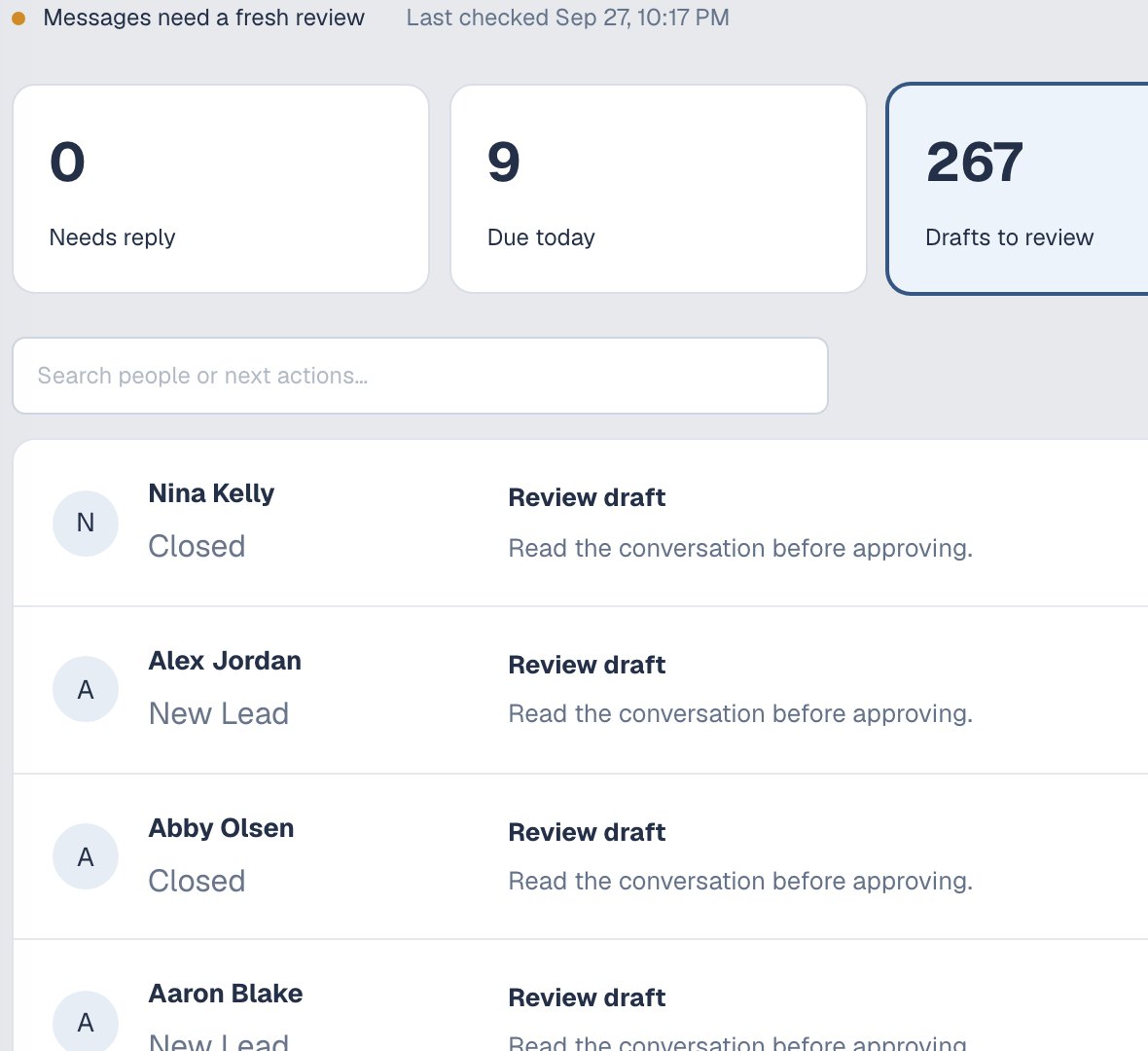
Waiting on you
Ozzie lead desk showing daily follow ups and drafts to review, sample data

It finds who is waiting on you

New leads, open conversations and past clients, lined up in one place so nobody gets missed.
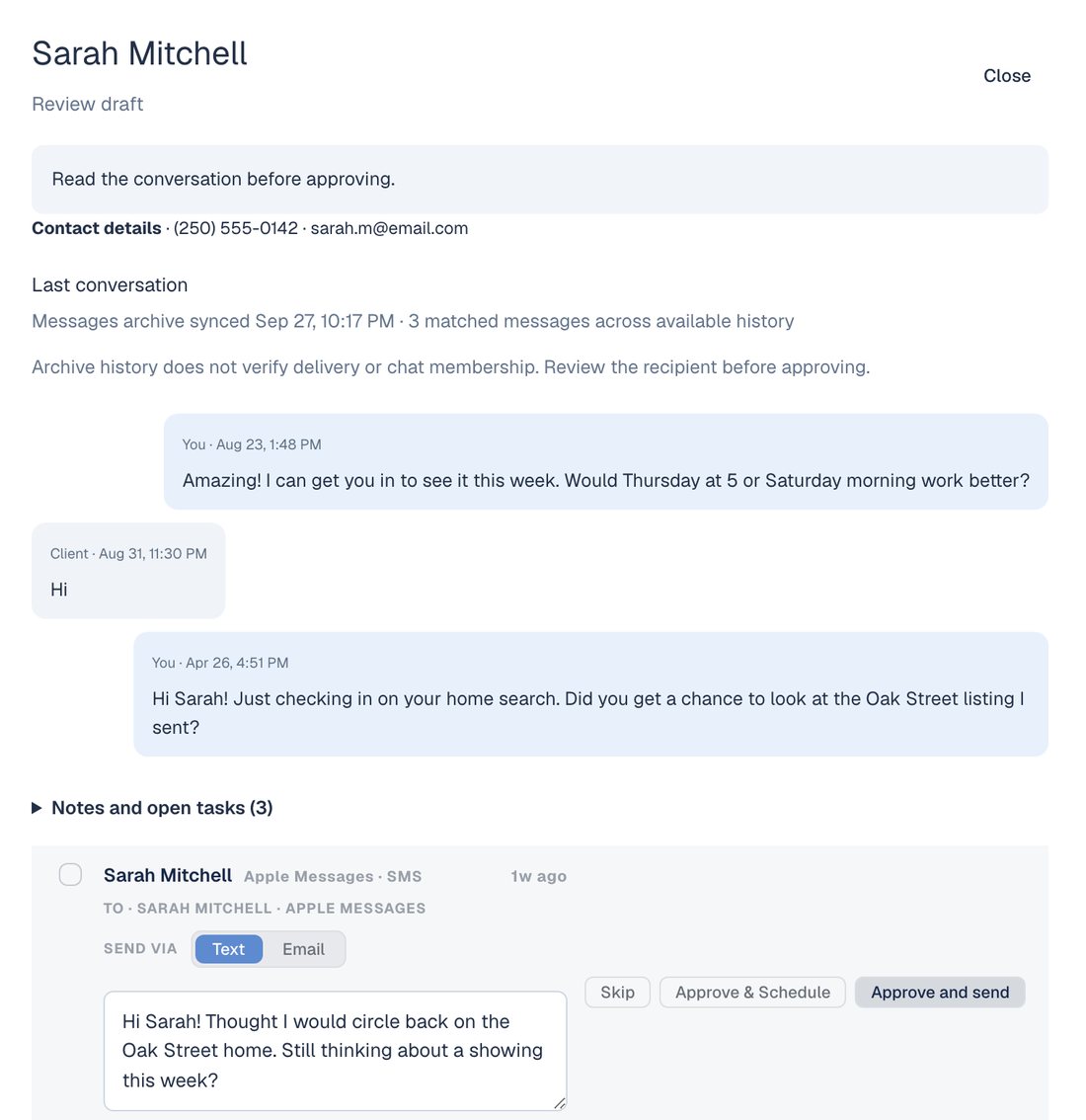
Review draft
Ozzie draft review screen with Skip, Approve and Schedule, and Approve and send, sample data

It drafts the follow up in your voice

You read it, change anything you like, then approve. Nothing goes to a client without your yes.

The Follow Up skillWaits for your yes
You give it

Nothing new. Ozzie reads what is happening across your texts, email and CRM.

You do

Read the draft. Approve, edit or skip.

It does
  • Spots who is waiting on you
  • Drafts the reply in your voice
  • Sends on your yes
  • Logs it in your CRM
  • Sets the next follow up

What's inside your Inside Sales Associate

  • New lead repliesNew leads get a reply drafted fast, in your voice.
  • Daily follow upsWho needs to hear from you today, with the message already written.
  • Past client check insPast clients kept warm without you remembering who is due.
  • CRM kept upNotes logged and the next follow up set after every send.
  • All your lead sourcesGoogle Ads, social media, realtor.ca and realtor.com leads in one system.
  • Texts from your phoneSent from your own number. No "Reply STOP to unsubscribe."
  • Drip campaigns Coming soonEmails, texts and call reminders on a schedule.
Want your follow up handled first?Book my time auditExplore the free trialSeven-day free trial at launch
Marketing Manager

Your marketing, made and posted.

Listing launches, landing pages, carousels, reels and video editing, all built on your brand guide with your logo and contact info. You approve it. Ozzie posts it.

The Listing Page skillEvery new listing
By hand3 to 5 hrs
With Ozzie10 min

Writing, design and publishing, done. Your 10 minutes is answering a few questions and looking it over.

You give it
  • Address + price
  • 3 photos
  • Open house time
  • Go live date
It builds
  • Copy in your voice
  • Photo gallery
  • Who it's for
  • Showing request
You get

A preview link to check first. It goes live when you say so.
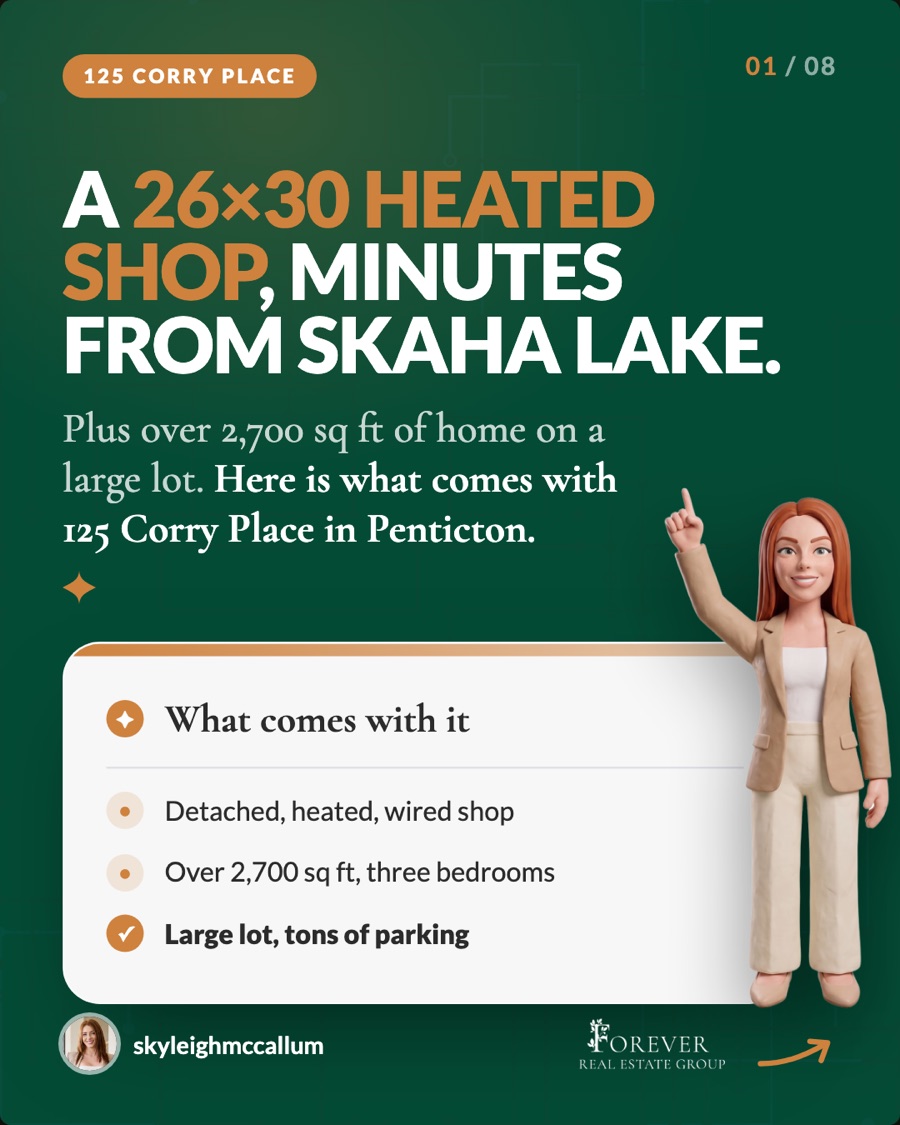
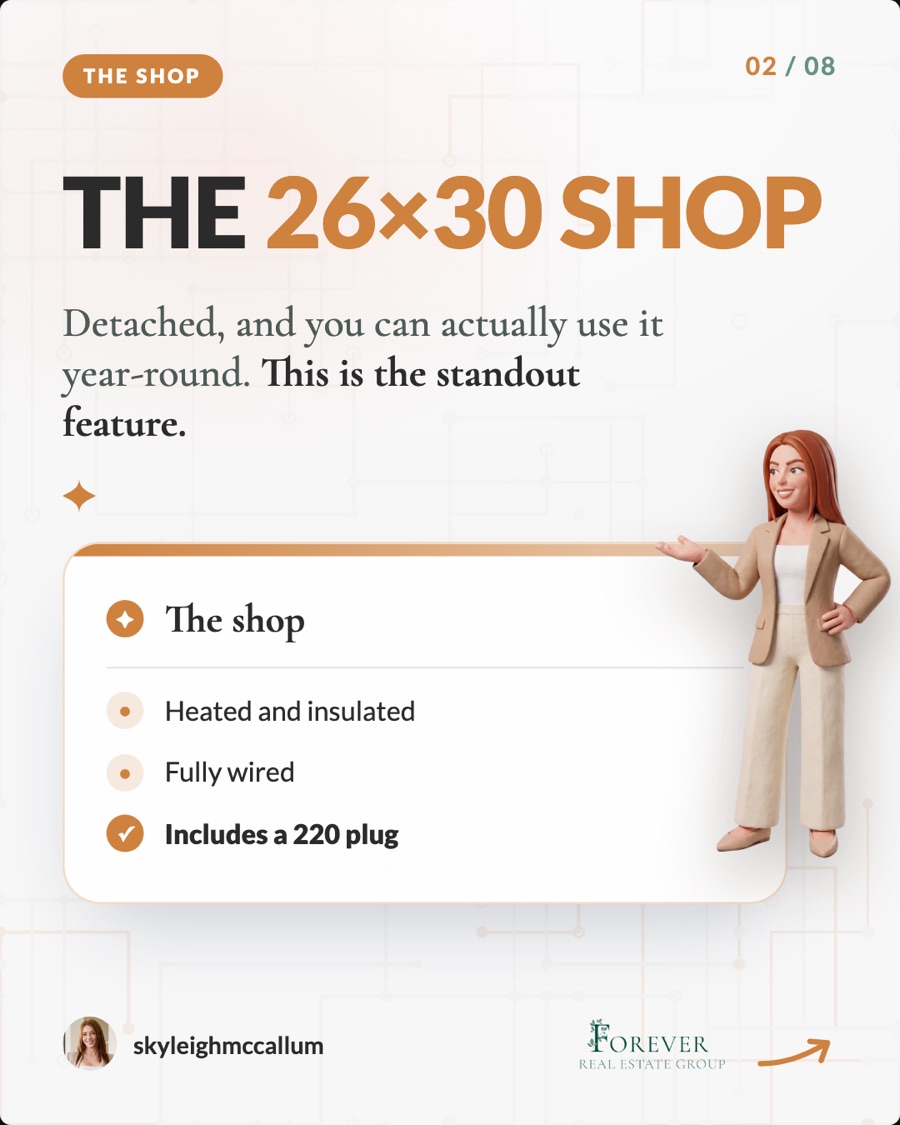
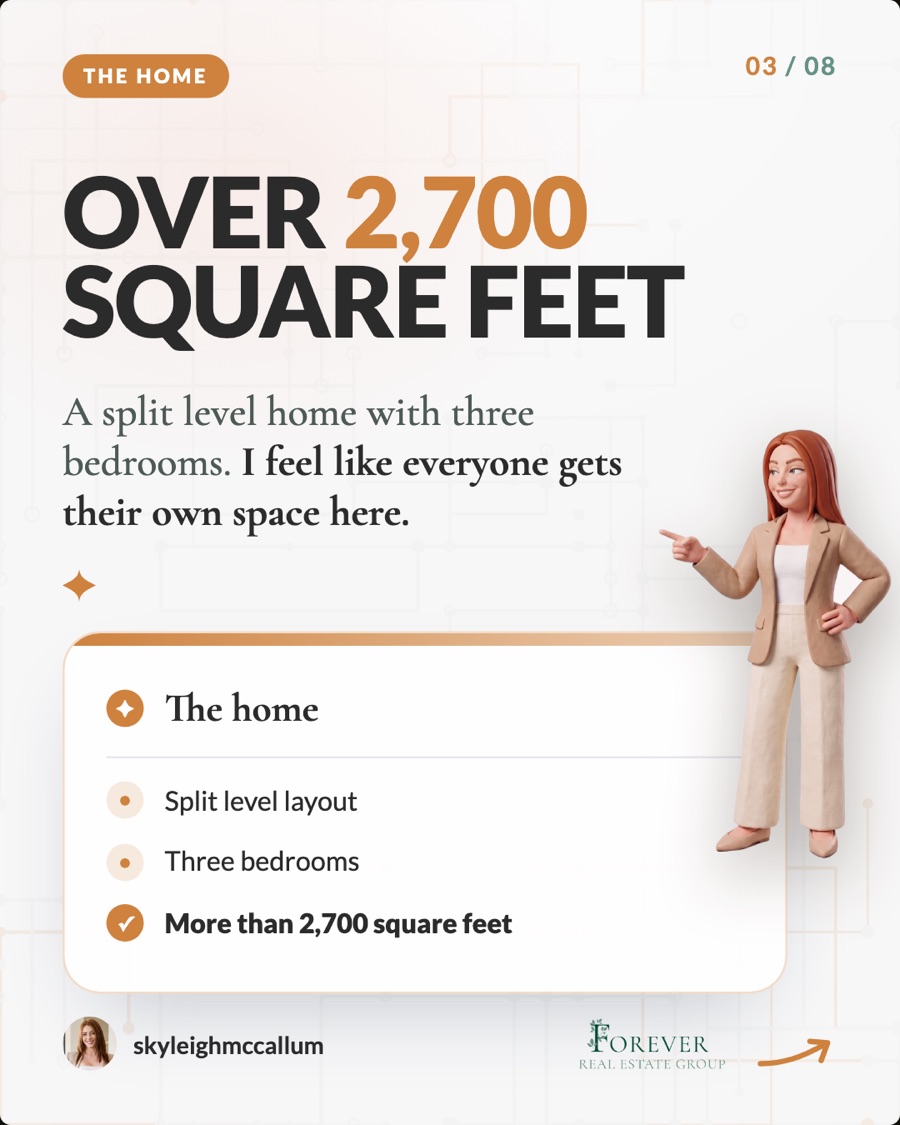
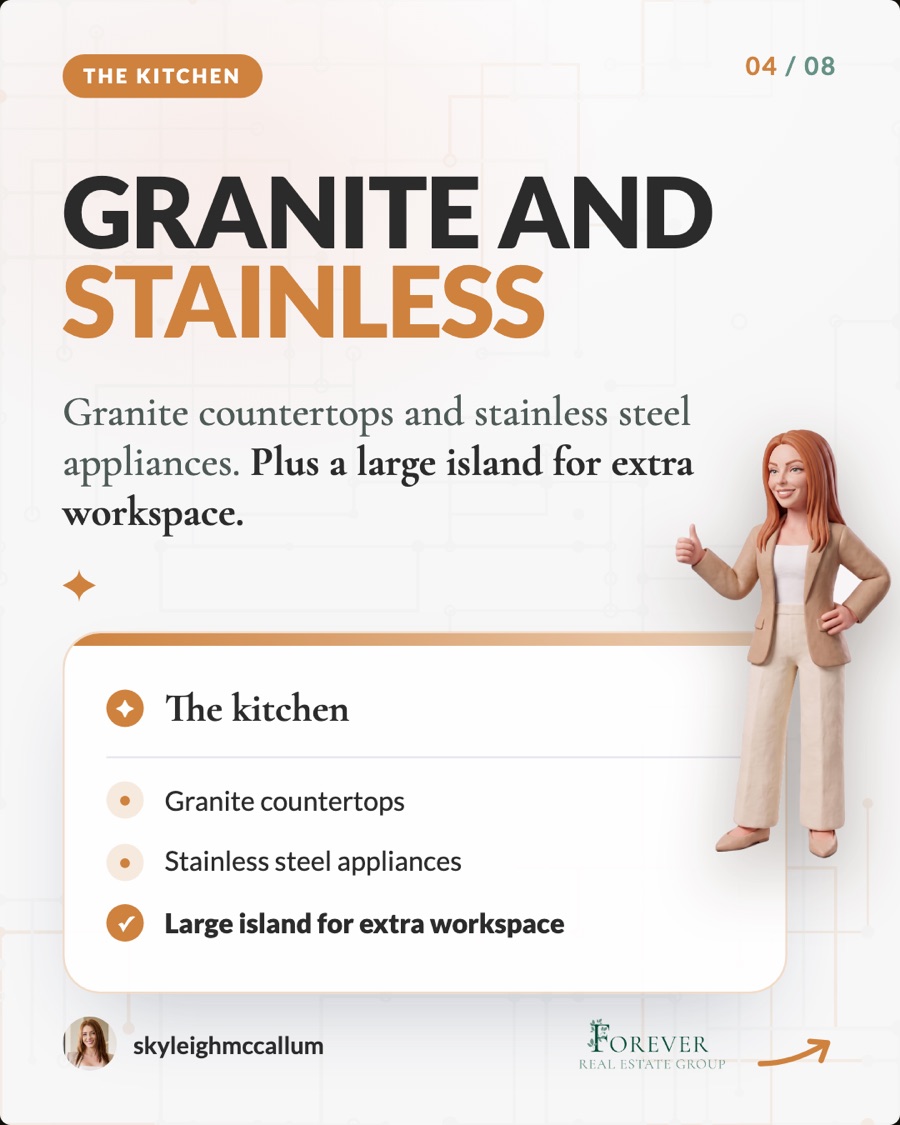
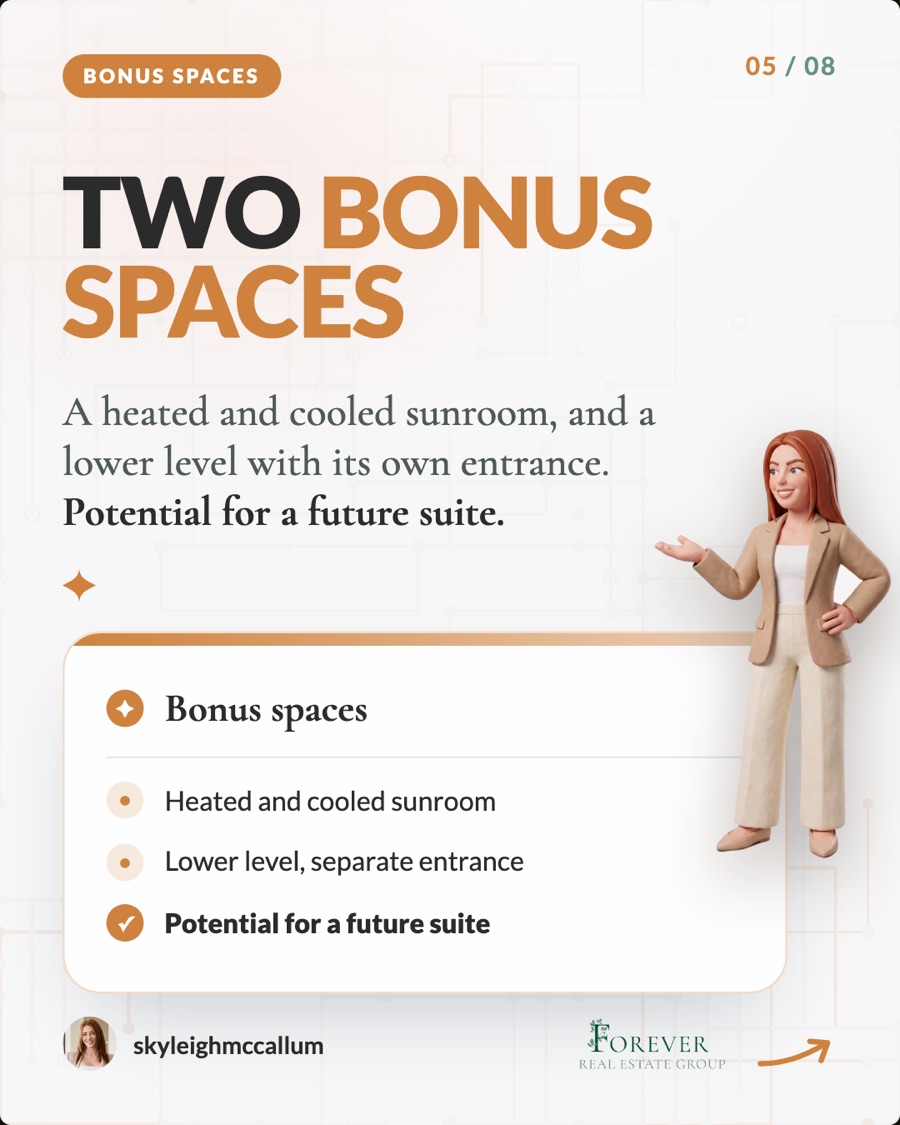
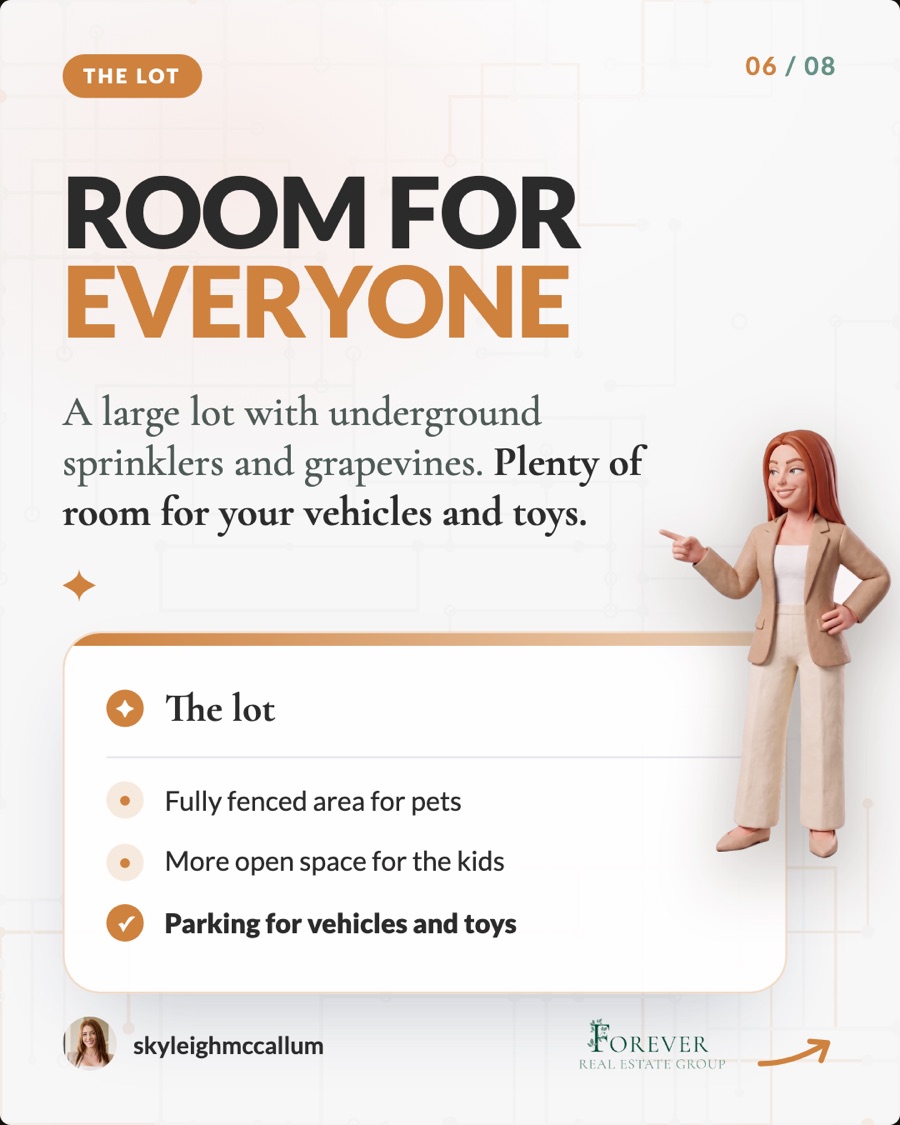
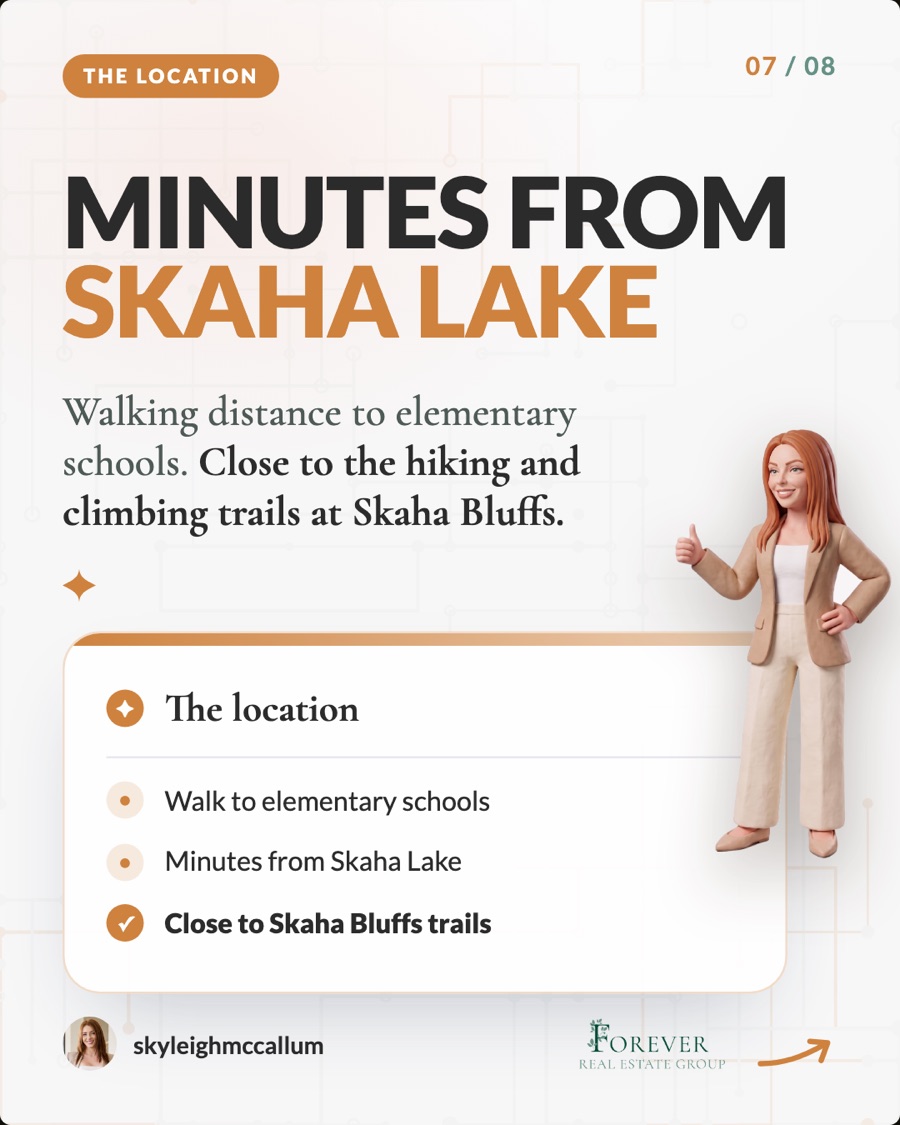
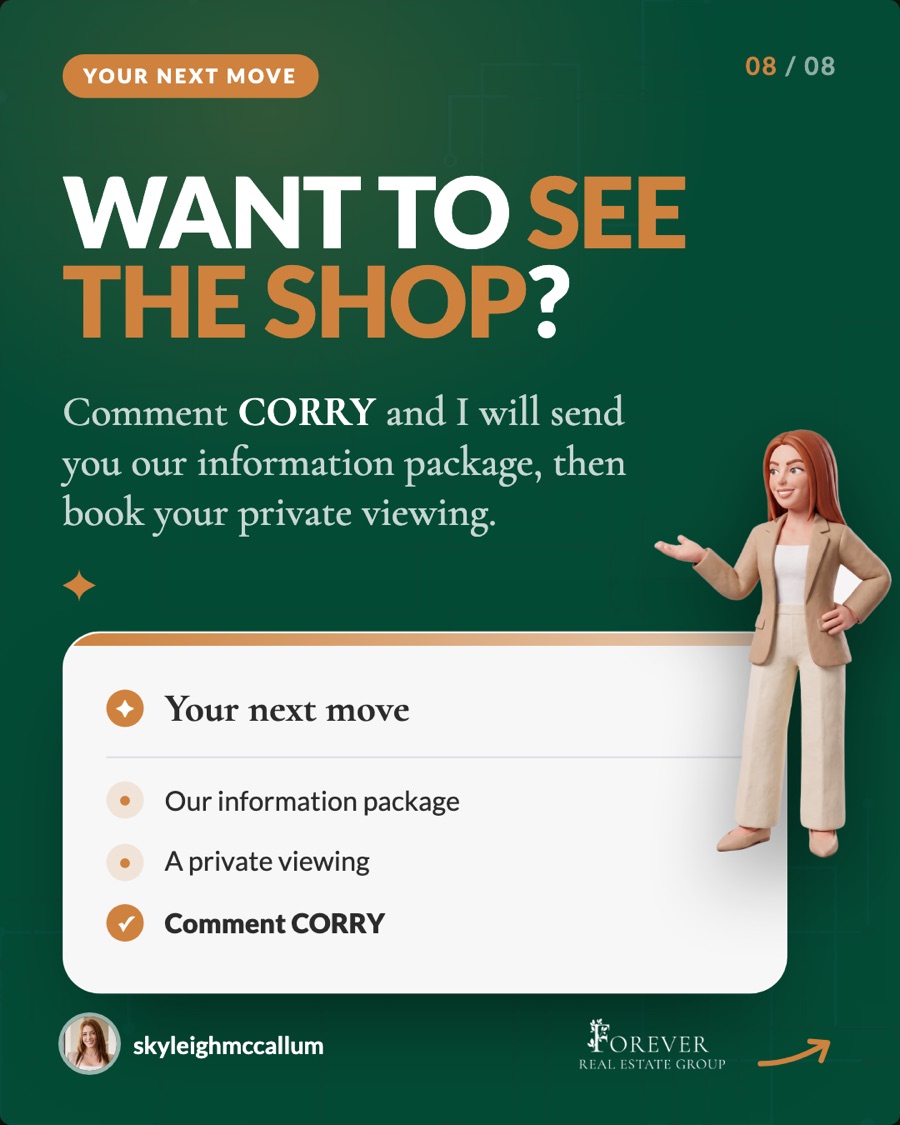
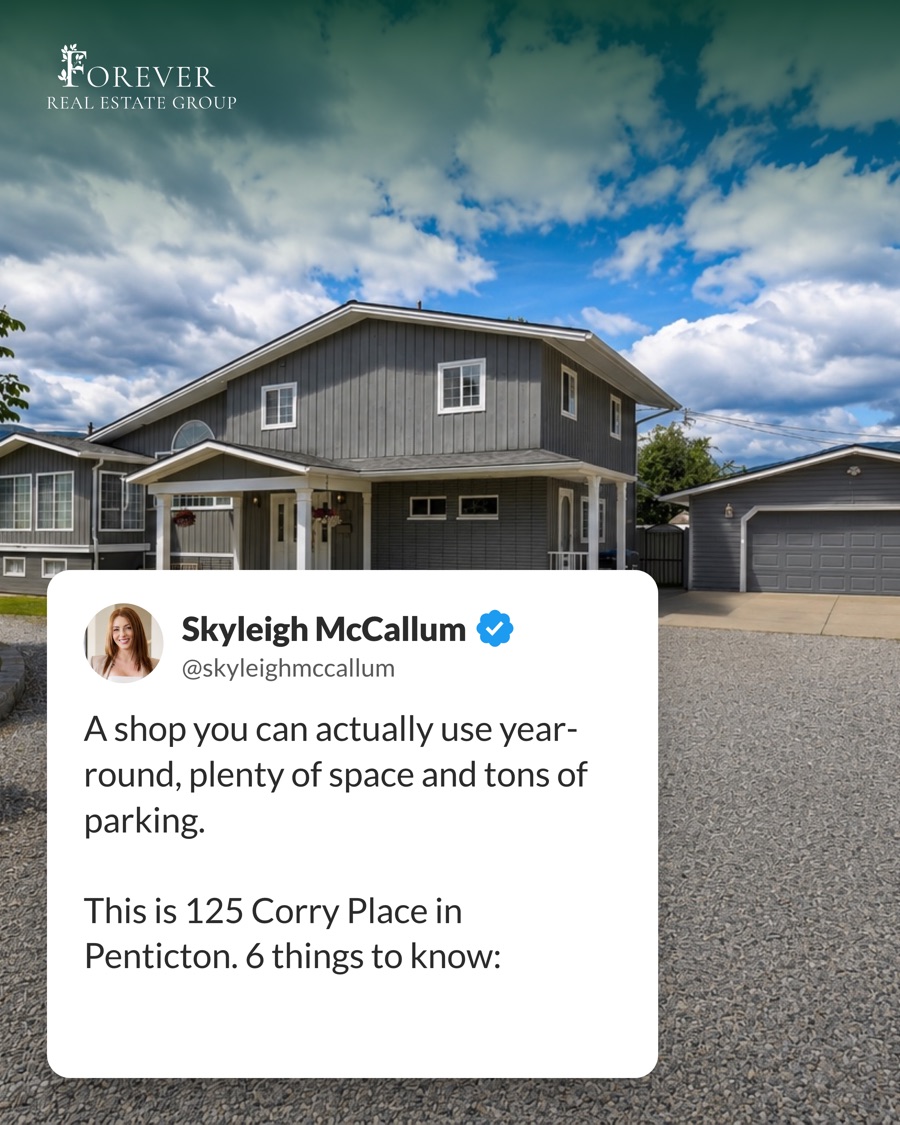
And this is what it makes for your socials.

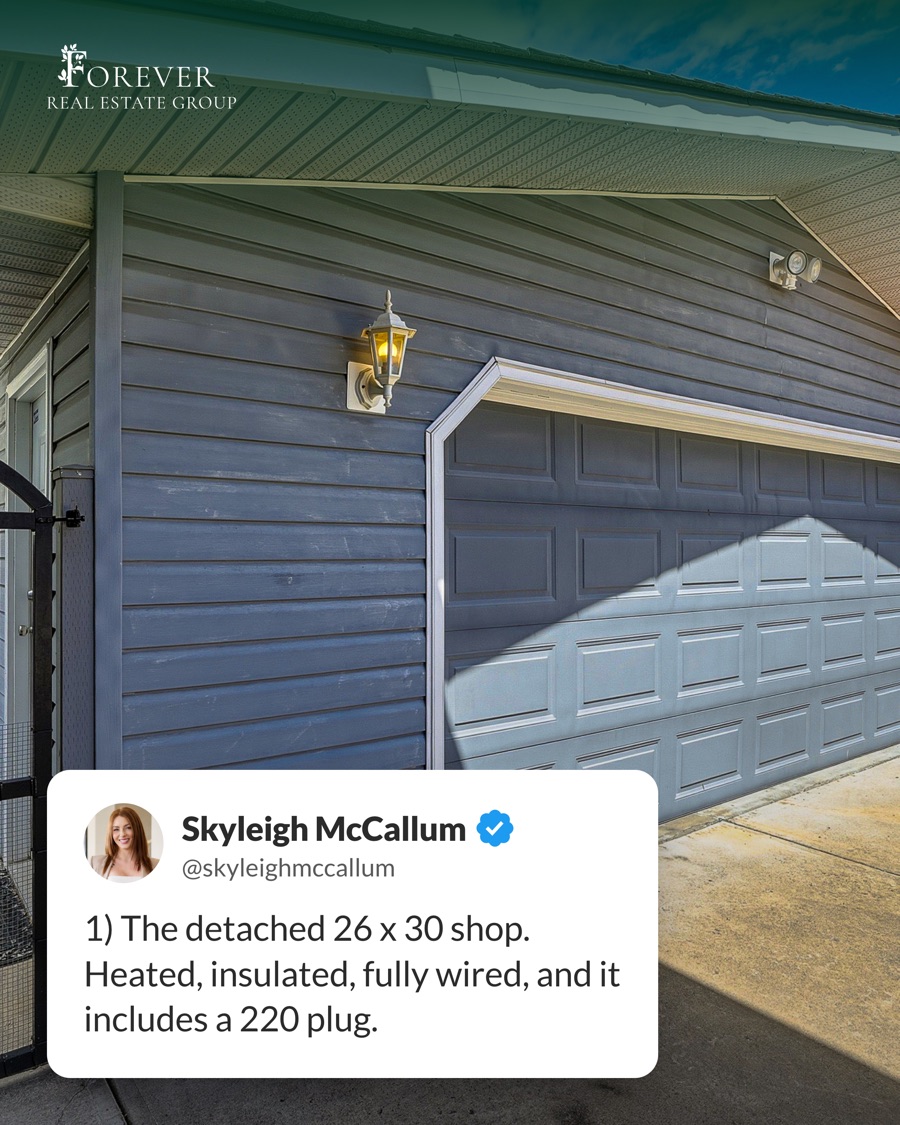
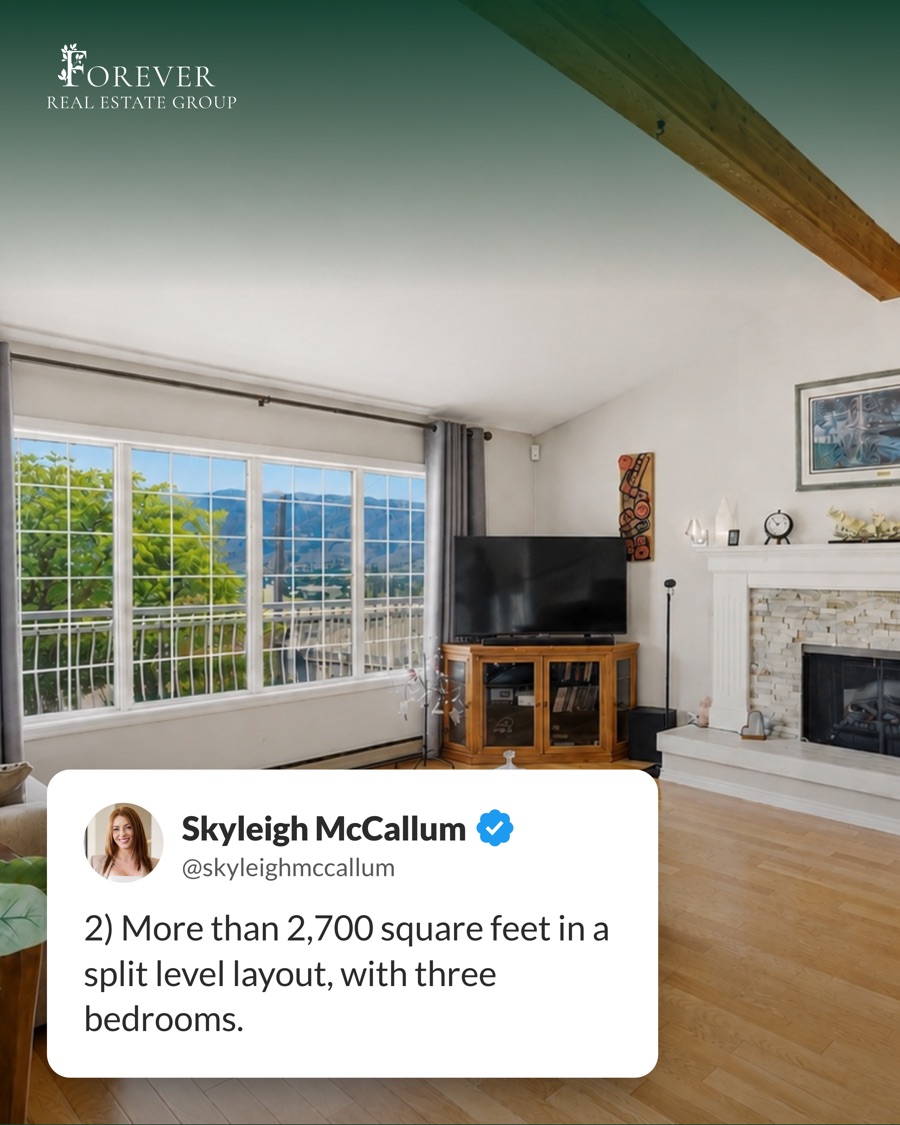
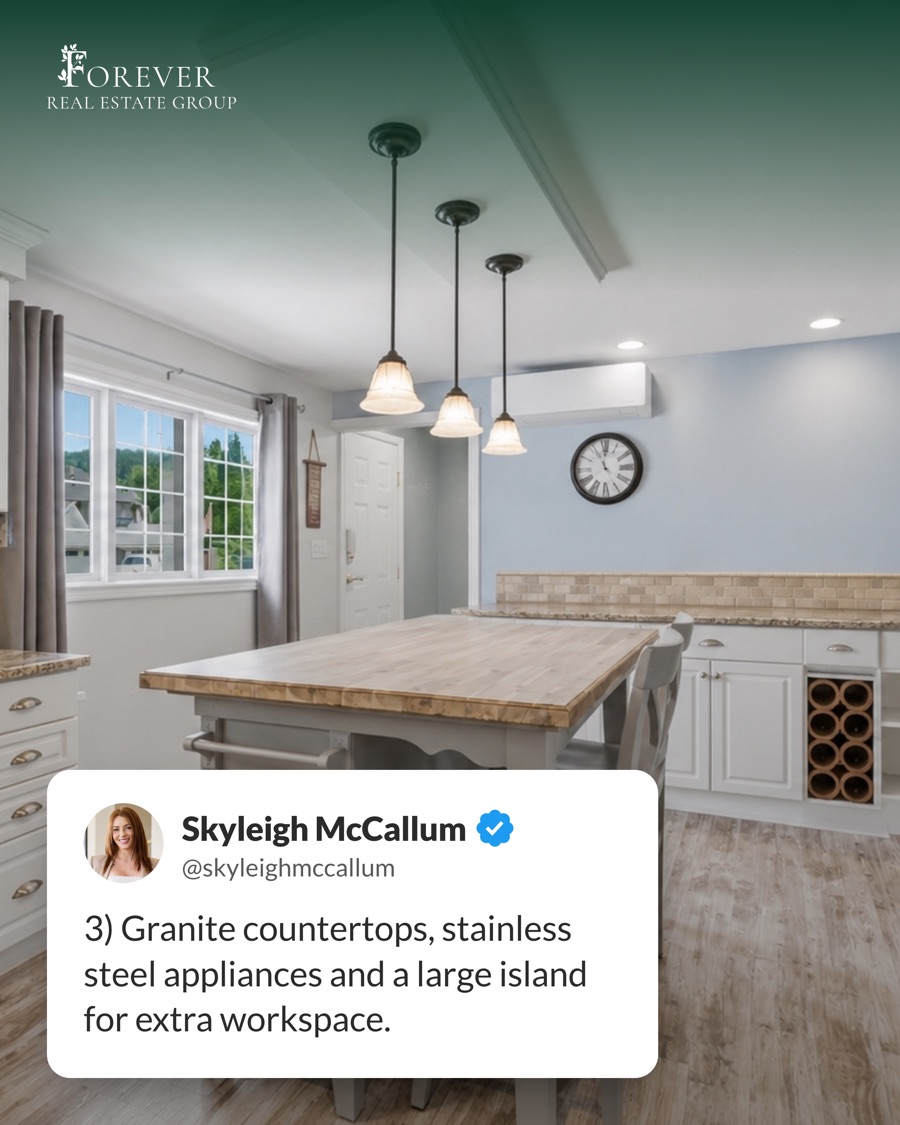
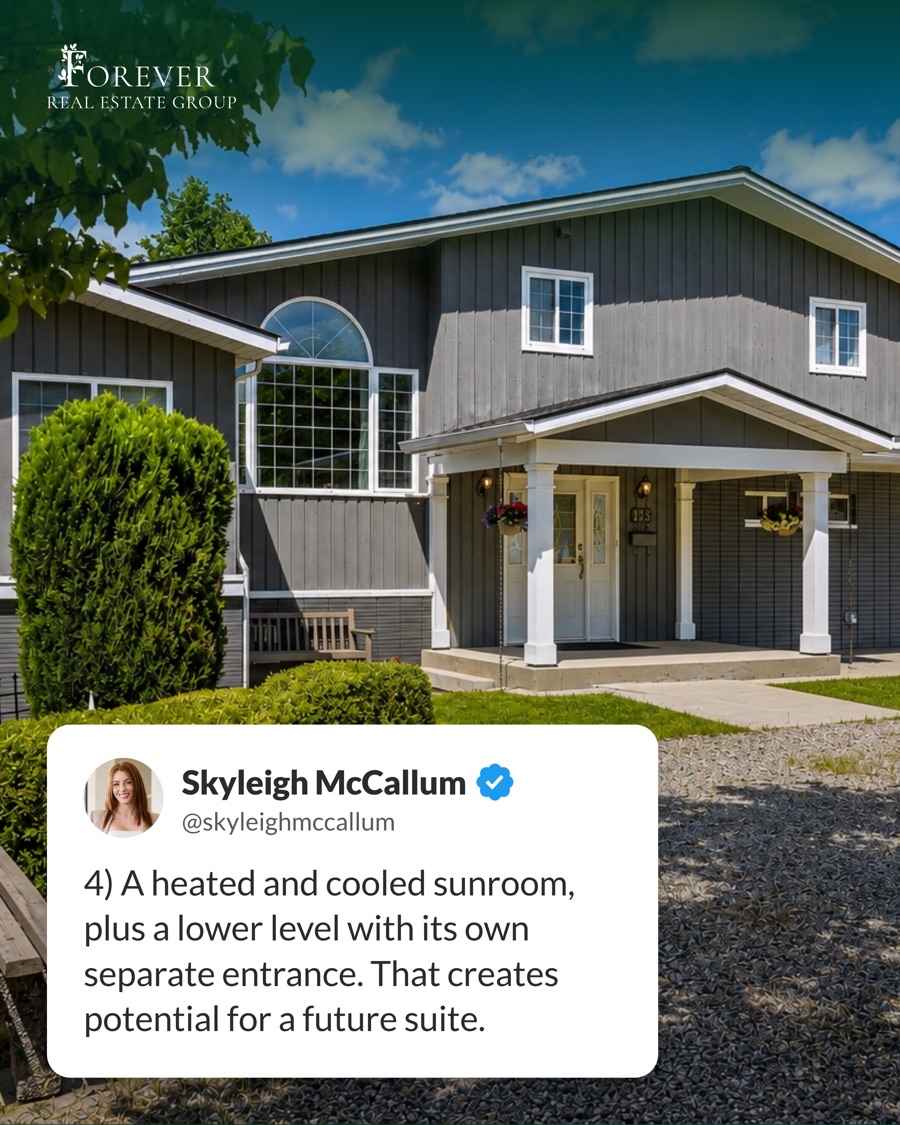
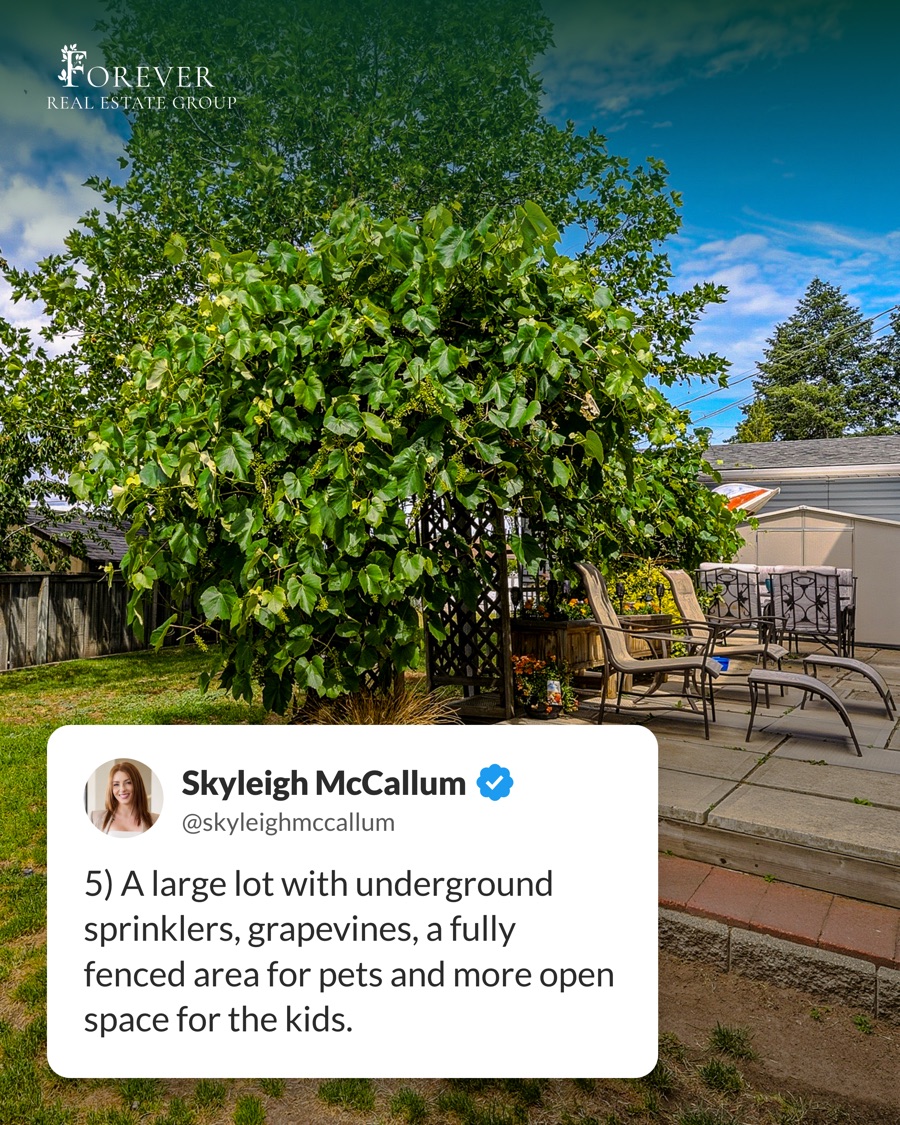
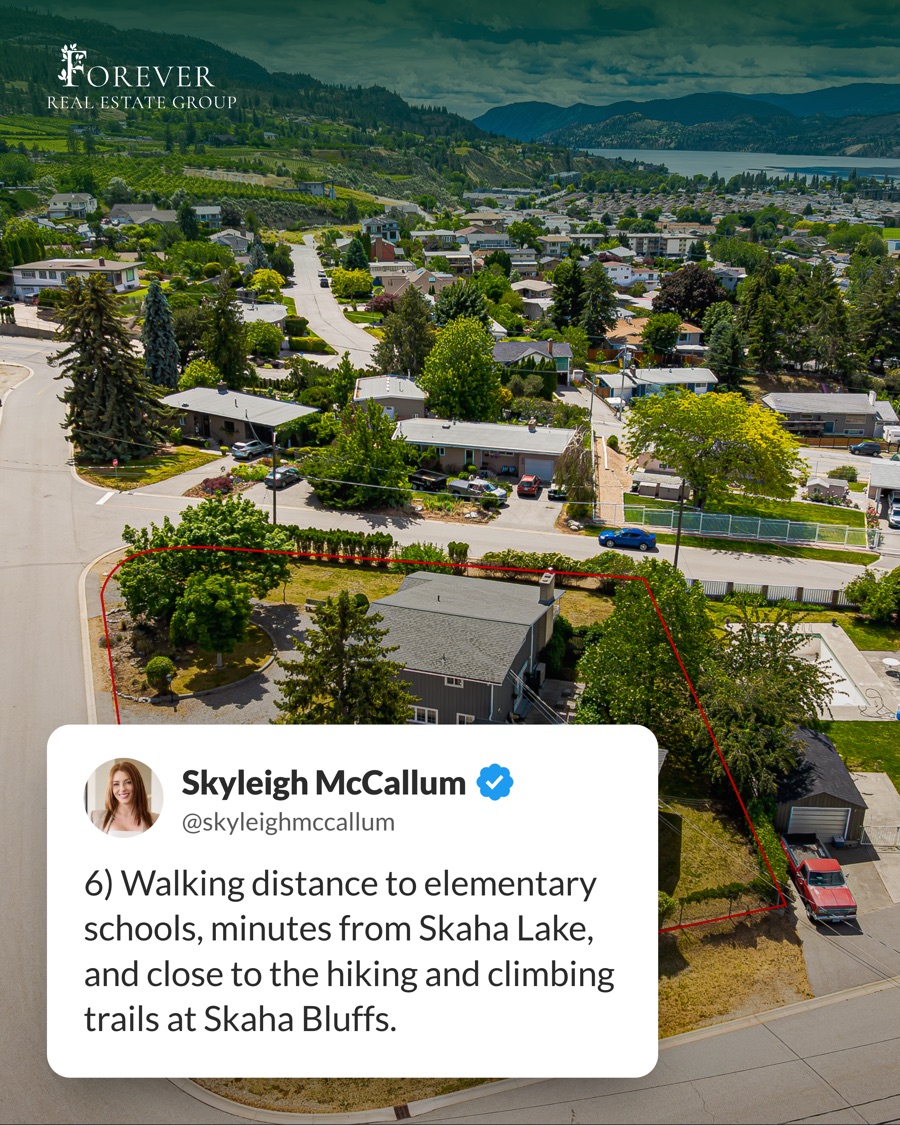
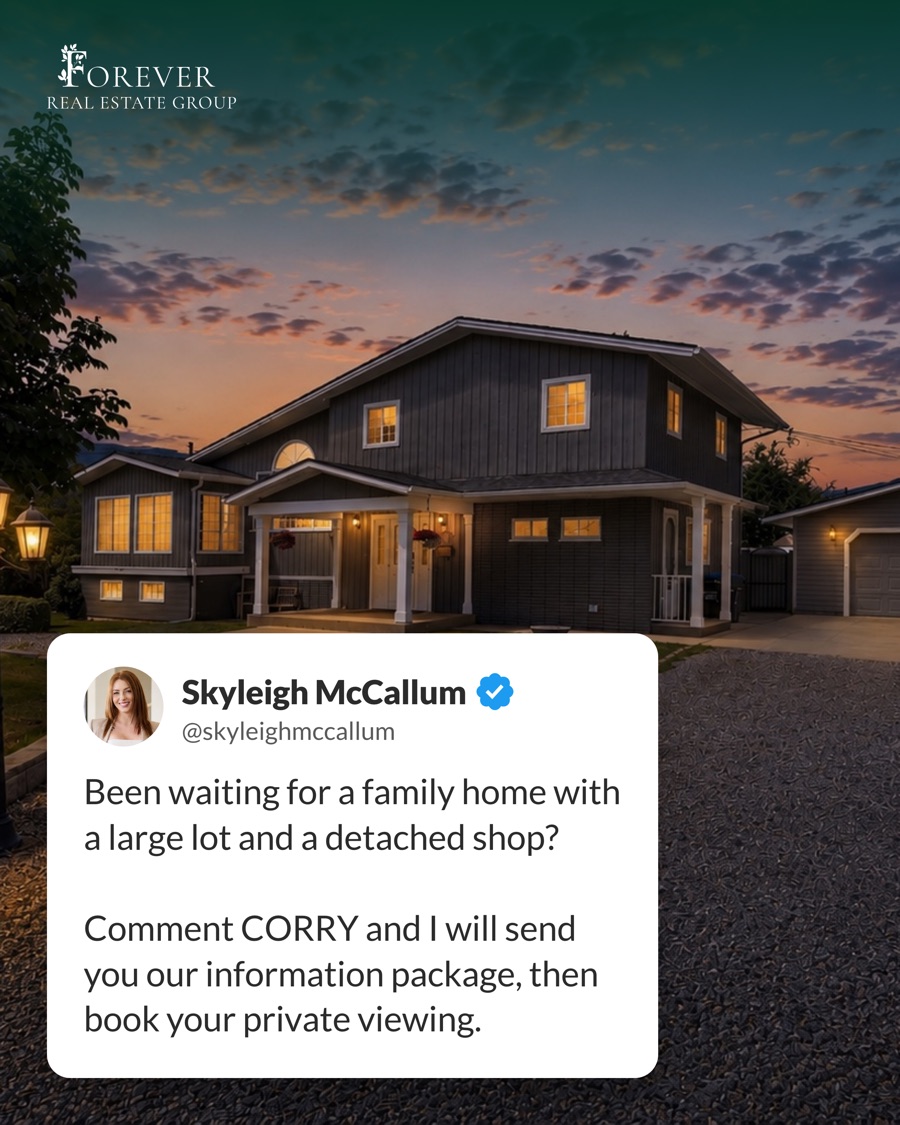
Carousel slide 1 of 8: A 26 by 30 heated shop, minutes from Skaha Lake Carousel slide 2 of 8: The 26 by 30 shop Carousel slide 3 of 8: Over 2,700 square feet Carousel slide 4 of 8: Granite and stainless Carousel slide 5 of 8: Two bonus spaces Carousel slide 6 of 8: Room for everyone Carousel slide 7 of 8: Minutes from Skaha Lake Carousel slide 8 of 8: Want to see the shop?
Swipe to see the slides
CarouselsOne listing, two styles, each built on your templates. Swipe through.
Tap for sound
Reel editingTightened up, with captions and your logo added.
Sample reel cover: Family home. Serious shop. 125 Corry Place, Penticton.
Thumbnail generatorA cover for every reel and video, sized for your feed and your grid.

Samples from Skyleigh's own marketing. Yours are built on your brand guide.

What's inside your Marketing Manager

  • Marketing GoYour listing launch in one go: social posts, emails and graphics, written and ready.
  • Landing page generatorA custom page for every listing, written for the buyer who fits it.
  • Auto postingApproved posts scheduled to your social channels for you.
  • CarouselsInstagram carousels built on your templates. You bring the idea.
  • Reel editingShort clips cut from your footage in two looks: clean and minimal, or bold explainer.
  • Long form video editingYour long videos tightened up, with the pauses and filler words cut.
  • Thumbnail generatorBranded thumbnails for your videos, made to match.
  • Google Business updater Coming soonYour Google Business profile kept fresh with new posts.
  • Blog writing Coming soonBlog posts written in your voice.
Want your marketing moving first?Book my time auditExplore the free trialSeven-day free trial at launch
The bundle

Executive Assistant

Bring your admin, sales follow up and marketing together in one build, with one Executive Assistant keeping it all moving. The biggest chunk of your week back, for less than buying the packs one at a time.

Book my time audit
How setup works

You don't build it alone.

STEP 1

Choose your packs

Review the founding prices and included support. Book a call if you would like help deciding; a sales call is optional.

STEP 2

Set up your purchased packs

Our team helps configure the available settings around your business. Your one-time purchase includes permanent use of the purchased release.

STEP 3

Keep building with Pro

While Elevation Pro is active, your purchased packs stay current with new skills. Pro includes build calls and help with your own independent standalone skills.

A full time VA runs about $1,500 a month, plus $4,000 US or more upfront to hire a company to source one, the training, the double checking and starting over when they leave.

Your packs are set up once. And they don't quit.

Questions

Before you choose.

What does it cost?

Current founding prices are $2,500 for Administrative Assistant, $2,000 for Inside Sales Associate and $1,500 for Marketing Manager. The full Executive Assistant (Full Build) is $5,000, saving $1,000 versus separate packs. These are one-time purchases, in Canadian dollars, plus applicable taxes. Ozzie will launch with a seven-day free trial.

Can I try it first?

Yes. Ozzie will launch with a seven-day free trial. Book a time audit to see how it could fit your business.

Does anything send without me?

No. Messages to clients wait for your approval.

Can I add packs later?

Yes. Start with the pack that fits your work and purchase another when you need it. Pro updates apply only to packs you have purchased; membership does not unlock other packs.

Where can I see the demos?

They are coming to the free Elevation Real Estate community. Build calls and help creating your own standalone skills require active Elevation Pro.

Let's pick the work you want back.

Book a time audit to find out where your week is going and which packs could give you time back.

Seven-day free trial at launch

Sample weekly seller update
Seller update page 1: listing summary, total exposure and marketing recap Seller update page 2: showings, views, social posts and email results Seller update page 3: buyer demand by price and comparable homes Seller update page 4: competition and the work done this month Seller update signature with your photo, contact info and brokerage logo
Sample report. Your version is built on your brand guide: your colours, fonts, logo and contact info.Book my time audit
Sample listing landing pageOpen full page
Sample page. Your version is built on your brand guide: your colours, fonts, logo and contact info.Book my time audit